> ## Documentation Index
> Fetch the complete documentation index at: https://developers.plane.so/llms.txt
> Use this file to discover all available pages before exploring further.
# Activate Airgapped Edition license
Once your air-gapped installation is running, you'll need to activate your workspace with the license file.
1. Login to the [Prime portal](https://prime.plane.so/licenses) with the same email address you used to purchase the paid plan.
2. Go to [Manage licenses](https://prime.plane.so/licenses).
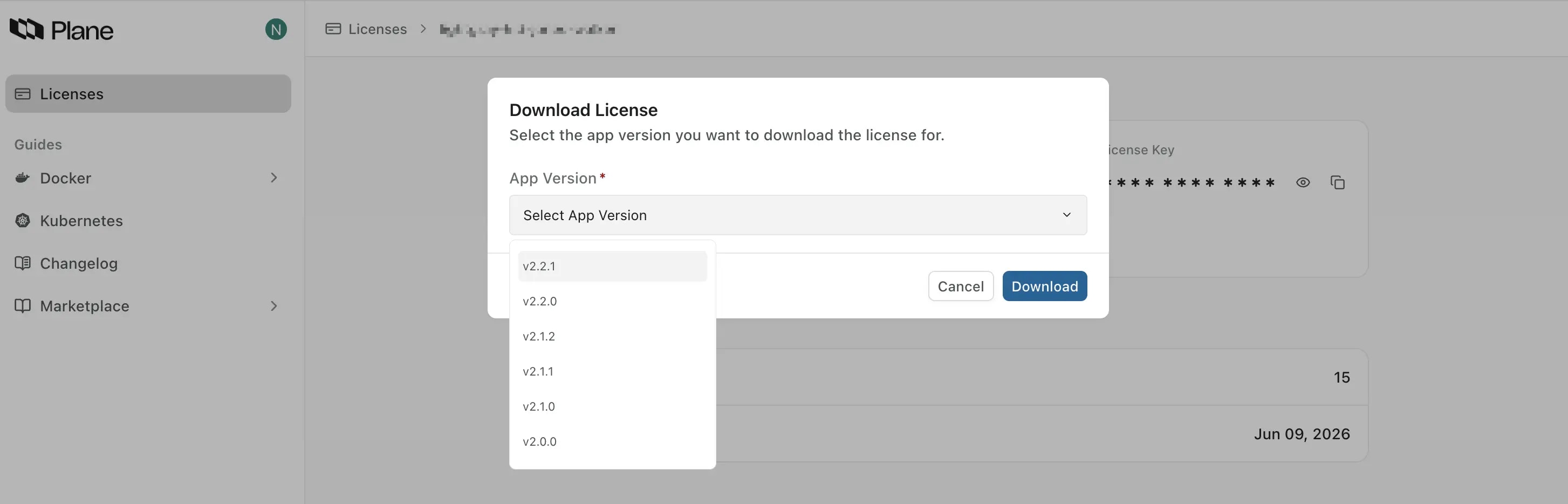
3. Click **Download license** to download the license file for your Plane version.
 4. Navigate to the [Workspace Settings](https://docs.plane.so/core-concepts/workspaces/overview#workspace-settings) in the Plane application.
5. Select **Billing and plans** on the right pane.
6. Click the **Activate this workspace** button.
4. Navigate to the [Workspace Settings](https://docs.plane.so/core-concepts/workspaces/overview#workspace-settings) in the Plane application.
5. Select **Billing and plans** on the right pane.
6. Click the **Activate this workspace** button.
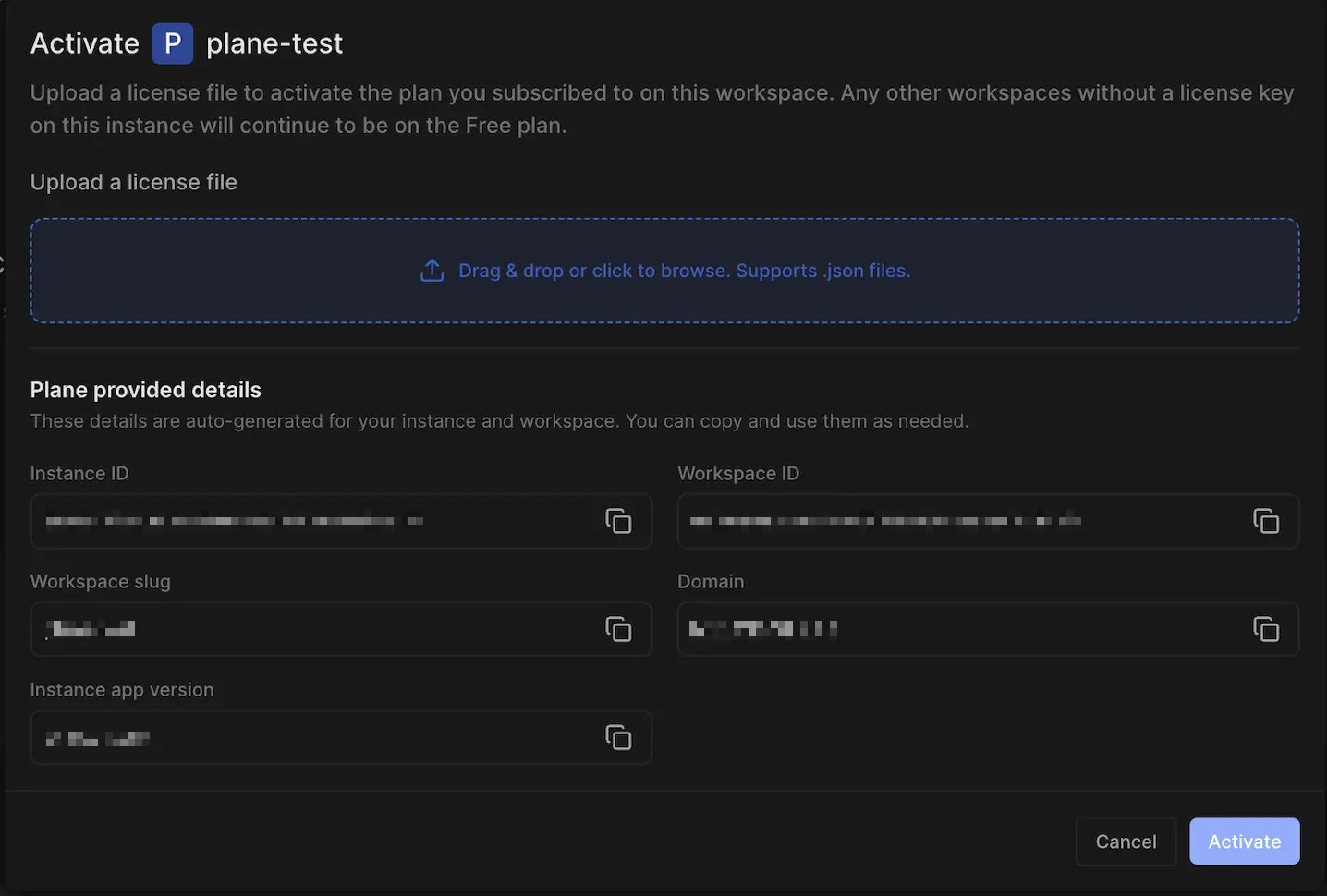 7. Upload the license file to activate your workspace.
You now have Plane running in your air-gapped environment. If you run into any issues, check the logs, or reach out to our support team for assistance.
7. Upload the license file to activate your workspace.
You now have Plane running in your air-gapped environment. If you run into any issues, check the logs, or reach out to our support team for assistance.